
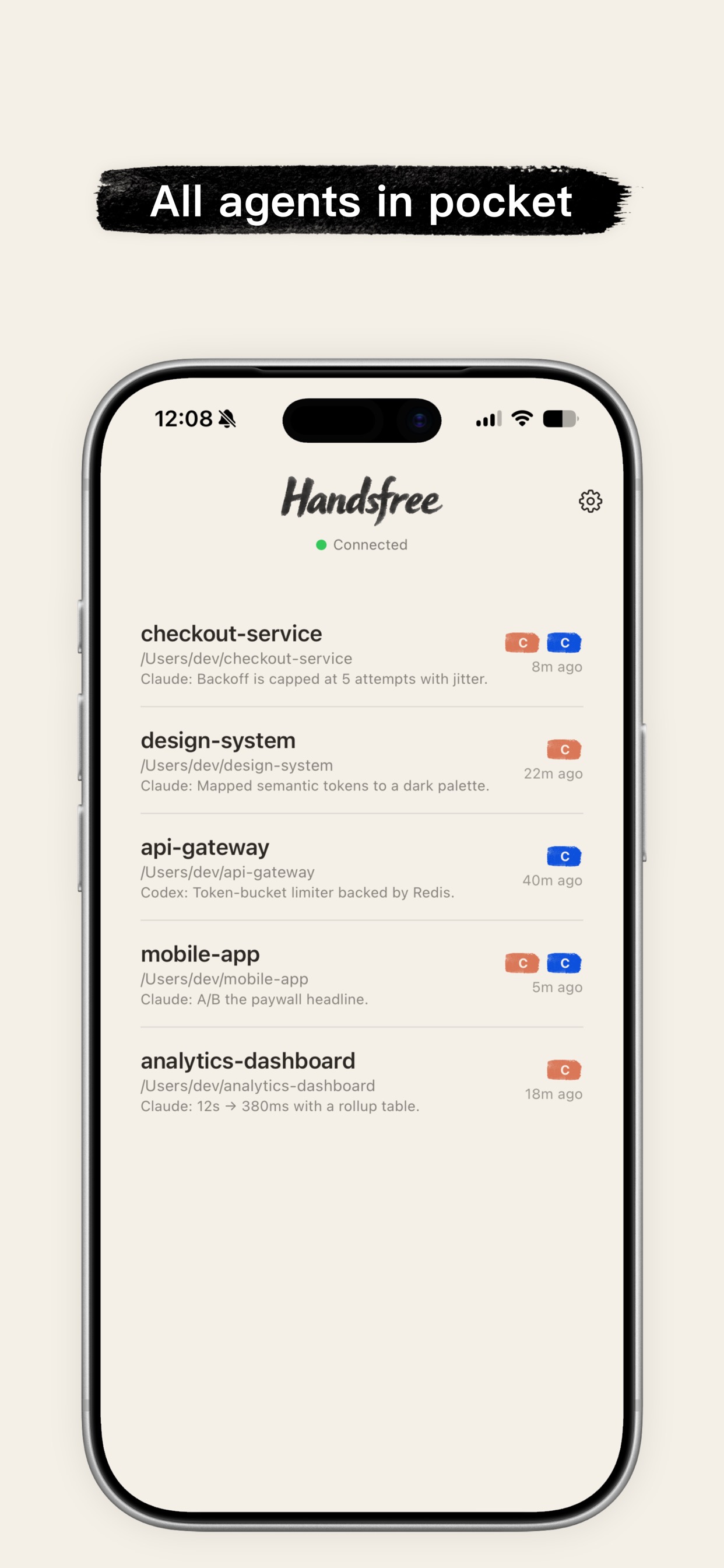
Handsfree turns Claude Code and Codex into a voice you can talk to from your phone. Kick off tasks, review work, and answer permission prompts—walking, driving, or away from the keyboard.
100% on-device voice. Free forever. No account, no voice fees.
See it in action
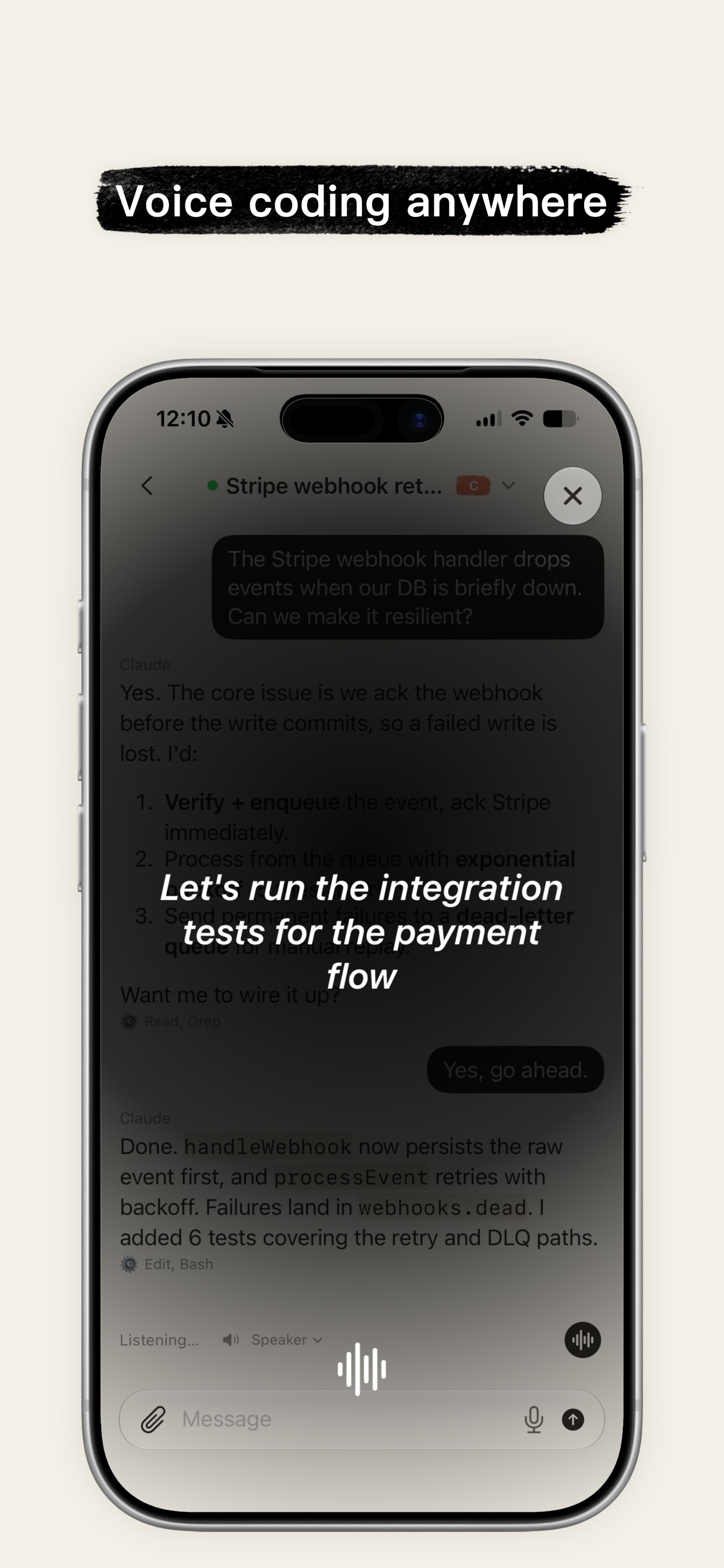
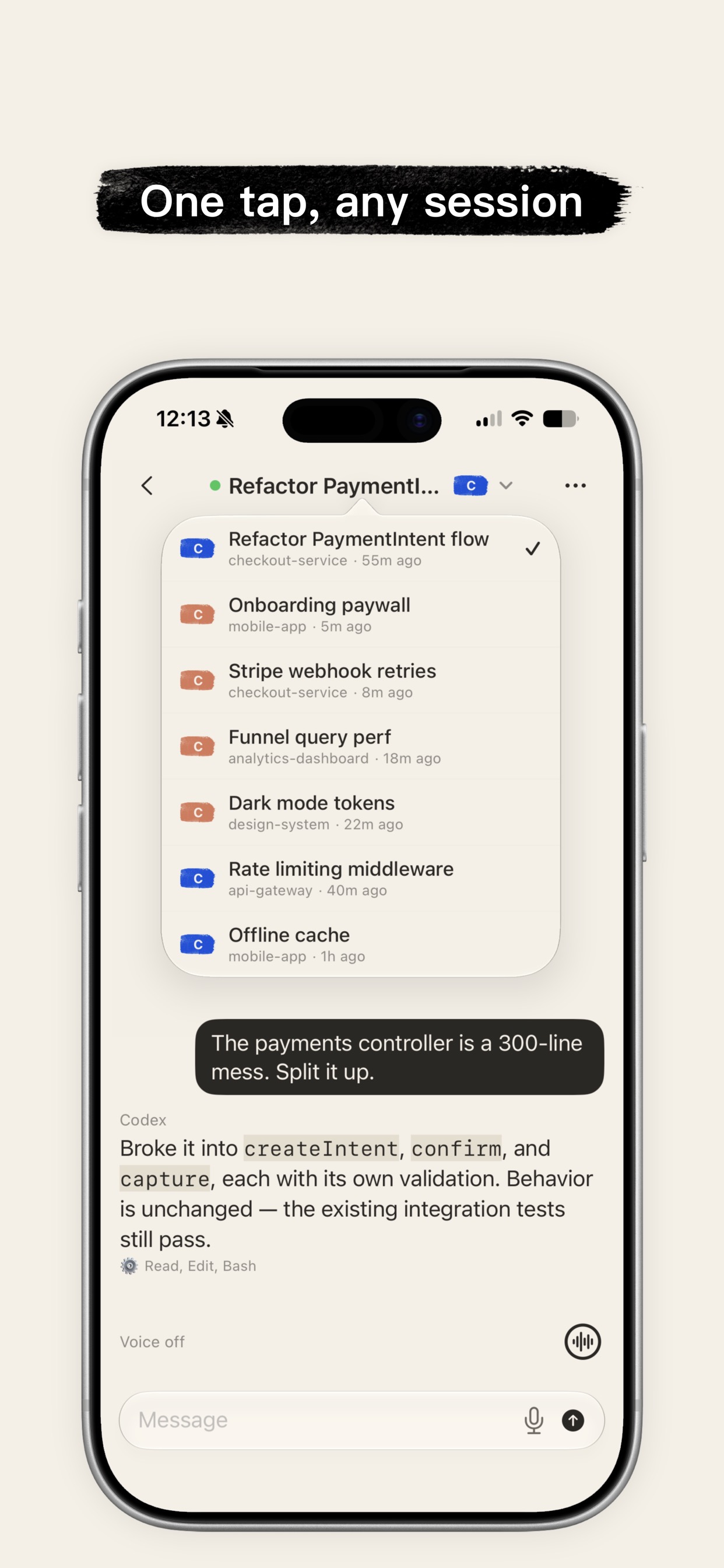
Jump into any session, talk it through by voice, and approve each step—all from your phone.
Why Handsfree
Everything you need to drive a coding agent by voice, and nothing that gets in the way.
Speech-to-text and text-to-speech run entirely on Apple's built-in engines. Your audio never leaves the phone—no cloud voice API, no per-minute fees, nothing to configure.
Drives Claude Code (via the Claude Agent SDK) and OpenAI Codex, side by side. Replies stream to your phone token by token, read aloud as they arrive.
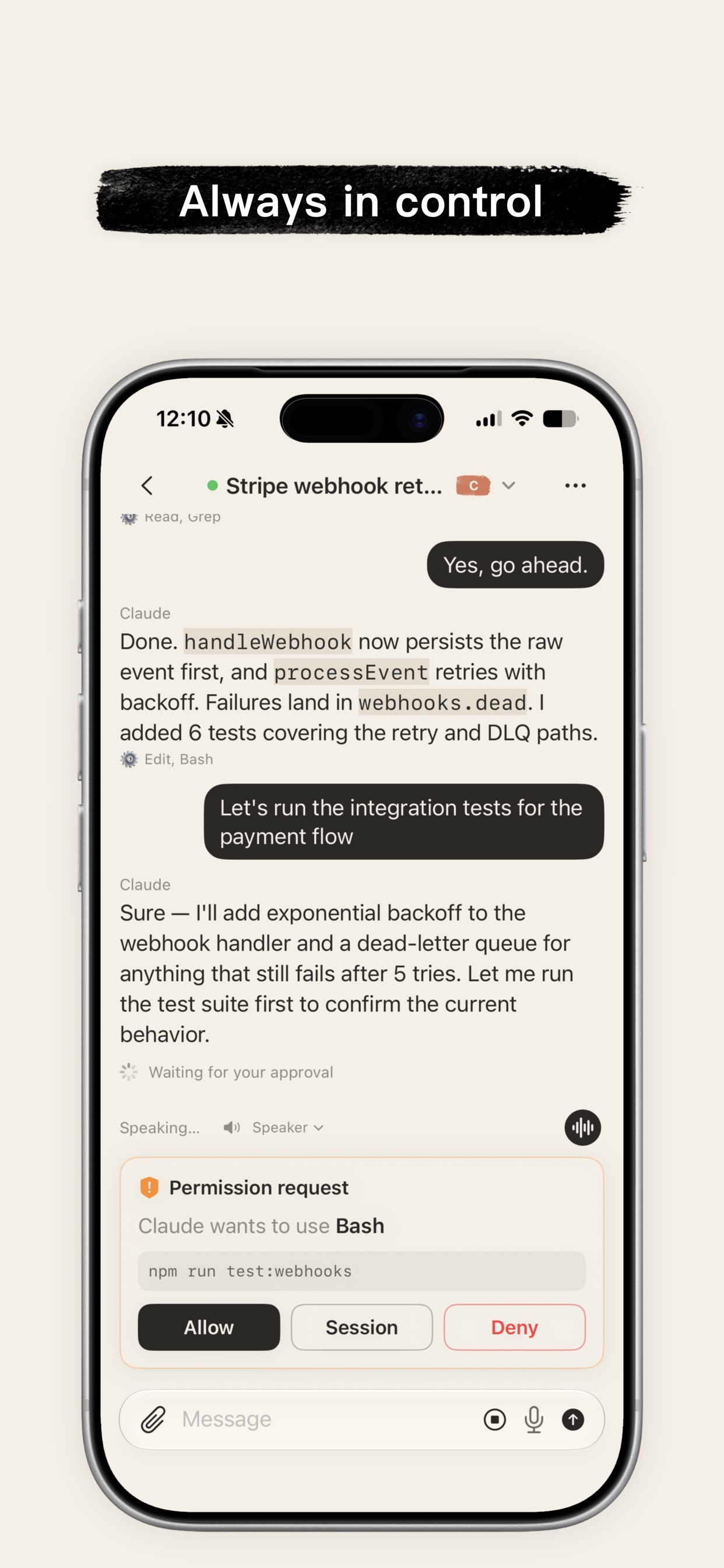
Every tool call is gated. Permission prompts and multiple-choice questions come to your phone—nothing runs until you tap Allow. Switch between safelist, ask-all, and auto modes on the fly.
Same Wi-Fi works out of the box. Add Tailscale and talk to your agent from the road—no port forwarding, no public exposure. Lock it down further with an optional shared-secret token.
Multiple devices view and drive the same live session in sync. Start on your laptop, continue on your phone—the bridge keeps one clean history.
The Handsfree bridge is MIT-licensed and self-hosted—it runs on your machine, next to your agent. No account, no lock-in, no data leaving your control.
Up and running in a minute
Download Handsfree from the App Store and open it on your iPhone.
On the computer where your coding agent lives, start the bridge and leave it running.
The bridge prints a pairing QR code. Scan it in the app—then just start talking to your agent.
Private by design
No cloud voice model. No separate service to host. No API keys for speech. The bridge only ever moves text.
Bring your own agent
Runs on your Claude Pro or Max subscription—no pay-as-you-go API billing. Full tool use, streamed to your phone with permission gating.
Point the bridge at your Codex CLI and drive it the same way—side by side with Claude, one live session per project and agent.
Good to know
Yes. Speech-to-text and text-to-speech run on Apple's built-in, on-device engines inside the app. There's no cloud voice API, no voice model to host, no subscription and no per-minute fees for the voice experience.
An iPhone with the Handsfree app, and a computer running Node 20+ with Claude Code and/or the Codex CLI installed and logged in. Start the bridge with npx handsfree-bridge@latest and scan the QR code.
On the same Wi-Fi it just works. To reach your agent from anywhere, install Tailscale on your phone and computer—the bridge advertises your Tailscale address automatically, with no port forwarding.
You're always the gate. Every tool call is checked against your chosen permission mode, and prompts stream to your phone for an Allow / Allow-for-session / Deny answer. Bind the bridge to your LAN or Tailscale and add an optional shared-secret token to keep it to your own devices.
Yes—multiple phones can view and drive the same live session at once, all in sync. The bridge stays the single writer so your history never diverges or corrupts.
Download Handsfree, start the bridge, and drive Claude Code or Codex with your voice—free, private, and hands-free.